Skip to content
CourseFree

How to create a real AI Influencer from 0 with Pykaso AI

Pick a niche, build AI face/body, train and refine character, generate images, iterate with image-to-image, retrain for quality.

Free. You only need a member account to watch.
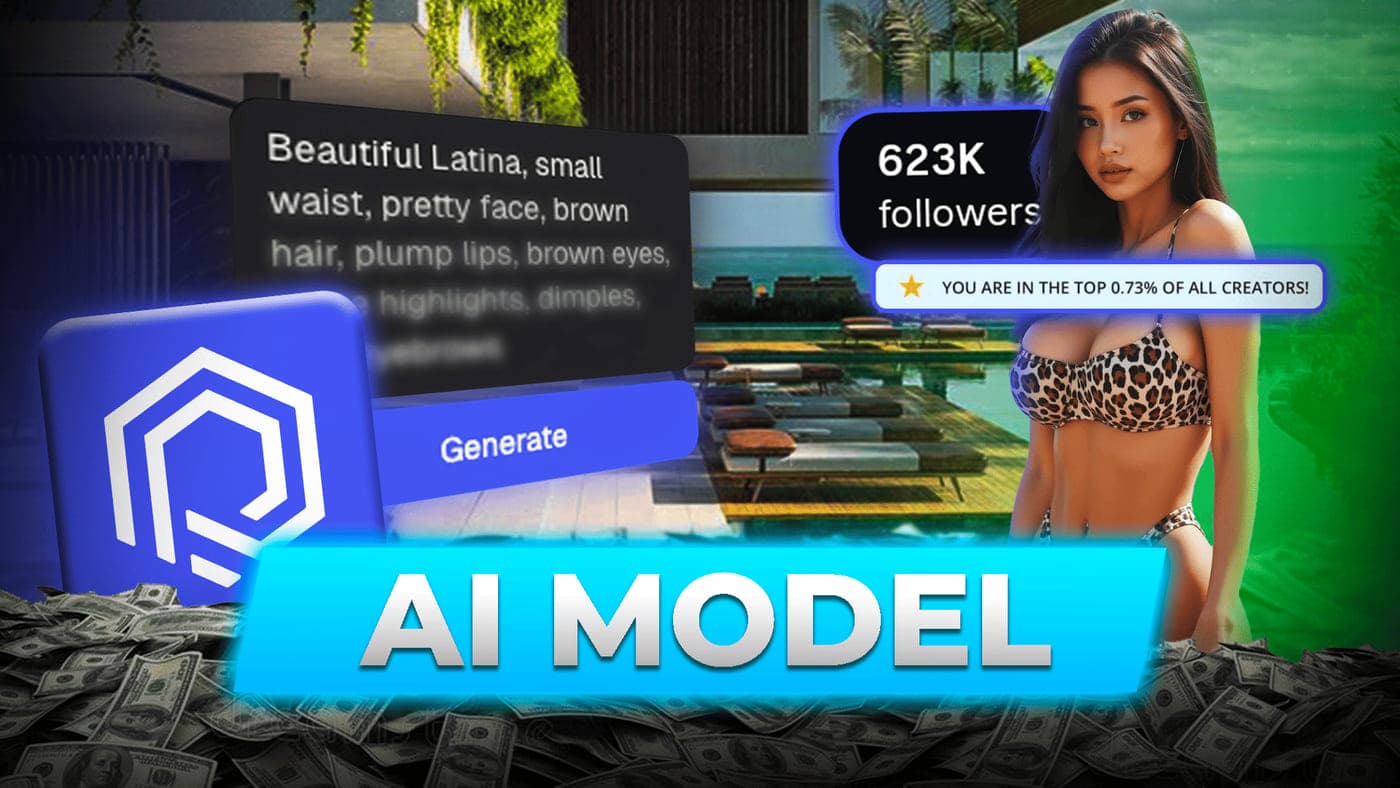
How to create a real AI Influencer from 0 with Pykaso AI
Video
46 min
Lessons
8
Taught in
English
Subtitles
English, French, German, Italian, Portuguese, Spanish
Price
Free

Overview

About this course

In this eight-lesson walkthrough, Nobus, a coach at Pykaso AI, builds a realistic AI model from scratch on screen and explains every setting he uses along the way. The course follows the real order of work: choose a niche, generate a base face, describe a body, prepare a varied set of training images, train the AI character, then produce new content with it.

The method relies on a few simple rules. Keep the look easy to reproduce (he advises against tattoos and piercings because they are hard to keep consistent across 50 to 100 pictures a month). Use the prompt templates and ChatGPT to describe reference photos. Fix details with the AI image editor, face swap every training image onto the same face, and upscale at a low strength (around 0.15 to 0.25).

You then see the character training itself (number of images, training steps, gem cost), how to turn Instagram reference photos into prompts or use the Image to Image tool, which LoRA style to pick for casual photos, selfies or body shots, and how a final pass in Canva (grain layer and light adjustments) makes pictures look like real camera shots. The last lesson shows how retraining the character on better images keeps improving quality, and what the whole process cost in gems.

Outcomes

What you will learn

  • Choose a niche for an AI model that is simple to prompt and reaches a broad audience, such as girl next door or gamer girl
  • Write face and body prompts from templates and create a consistent base face, upscaled at a low strength for realism
  • Build a varied set of 30 to 50 training images using reference photos, ChatGPT descriptions, the AI image editor and face swap
  • Train an AI character in Pykaso AI and choose the number of images and training steps (for example 3,000 or 4,000)
  • Generate new pictures with the trained character using shortened prompts, prompt adherence, seeds, aspect ratio and the right LoRA style
  • Use the Image to Image tool with look-alike reference photos to get consistent results with little prompting
  • Finish images in Canva with a grain overlay and brightness, highlights, whites, blacks, vibrance and sharpness adjustments
  • Retrain the character on better images over time and estimate the gem budget of the whole process

Audience

Who it is for

  • Agency owners and creators who want to launch an AI influencer or AI model and have never trained an AI character
  • Beginners: no prior AI image experience is assumed, but you need a Pykaso AI account (paid in gems) and ideally Canva Pro
  • Content managers already using AI images who want more realistic, consistent pictures of the same character

Syllabus

Course content

8 lessons · 46 min

  1. 01Find your own nicheVideo lesson3:09Nobus introduces himself as a Pykaso AI coach and compares three niche examples: gamer girl, girl next door and goth. He explains why simple outfits and poses are easier to generate, why girl next door reaches a wider audience, and why tattoos and piercings should be avoided for consistency.
  2. 02Create your own AI FaceVideo lesson3:18Using a face prompt template (origin, face shape, skin detail), you generate several candidate faces, pick the one that looks least artificial and upscale it. Nobus insists this base face must be right, and recommends upscaling at a strength of 0.15 to 0.25, never above 0.3 to 0.35.
  3. 03Create your own AI BodyVideo lesson1:14A short step on describing the model's body with a second template, using a few strong keywords such as a slim toned body with balanced proportions. The prompt must also keep the face shape and hair color identical, since face swaps only replace the face itself.
  4. 04Improve your AI Pictures before the TrainingVideo lesson13:34How to build varied training images: describe reference photos with ChatGPT, fix body shape or objects with the AI image editor, adjust prompt adherence, face swap every picture onto the base face and upscale it. The lesson ends with LoRA style tips and a full Canva routine (grain overlay, light and color settings).
  5. 05Train your AI CharacterVideo lesson5:09The character training itself: cropping the reference face, organising images in folders, uploading the set and choosing training steps. Nobus trains on 21 images at 3,000 steps as a bare minimum, recommends at least 30 images and 4,000 steps, and shows that a lower step version can be selected afterwards.
  6. 06Generate AI pictures with your AI CharacterVideo lesson12:56Generating pictures with the trained character: turning Instagram photos into prompts, deleting details about the original person, and choosing prompt adherence, seed, aspect ratio, number of images and LoRA style. Nobus reviews real outputs, rejects blurry backgrounds, then face swaps, upscales and edits the selected pictures in Canva.
  7. 07Get more pictures with the Image to Image optionVideo lesson3:13The Image to Image tool: download photos of a look-alike model with similar hair and body shape, upload them and apply your AI character, optionally re-prompting details such as hair color. Nobus explains why this gives reliable results for 3 gems per image, and to keep upscale strength low.
  8. 08Train again and again your AI Character to have the best AI picturesVideo lesson3:35After one or two months of content, create a new version of the character trained on the best new images, and repeat to keep improving realism. Nobus closes with the gem cost of the whole demonstration, under 200 gems or less than 30 dollars for about 25 base images.

Taught by

Your instructor

  • Nobus

    Coach at Pykaso.ai

    Nobus is an AI professional who builds and manages his own AI models and coaches at Pykaso.ai. In his course he creates an AI influencer from scratch on screen, sharing the prompt templates, Pykaso settings and Canva editing routine he uses for his own models.

    More about Nobus

Partner

Featured tool

FAQ

Frequently asked questions

All courses

Ready to start this course?

It is free. Create a member account with your email and watch every lesson at your own pace.