EN · FR · DE · IT · PT · ESEnglish, French, German, Italian, Portuguese, Spanish
Price
Free
Overview
About this masterclass
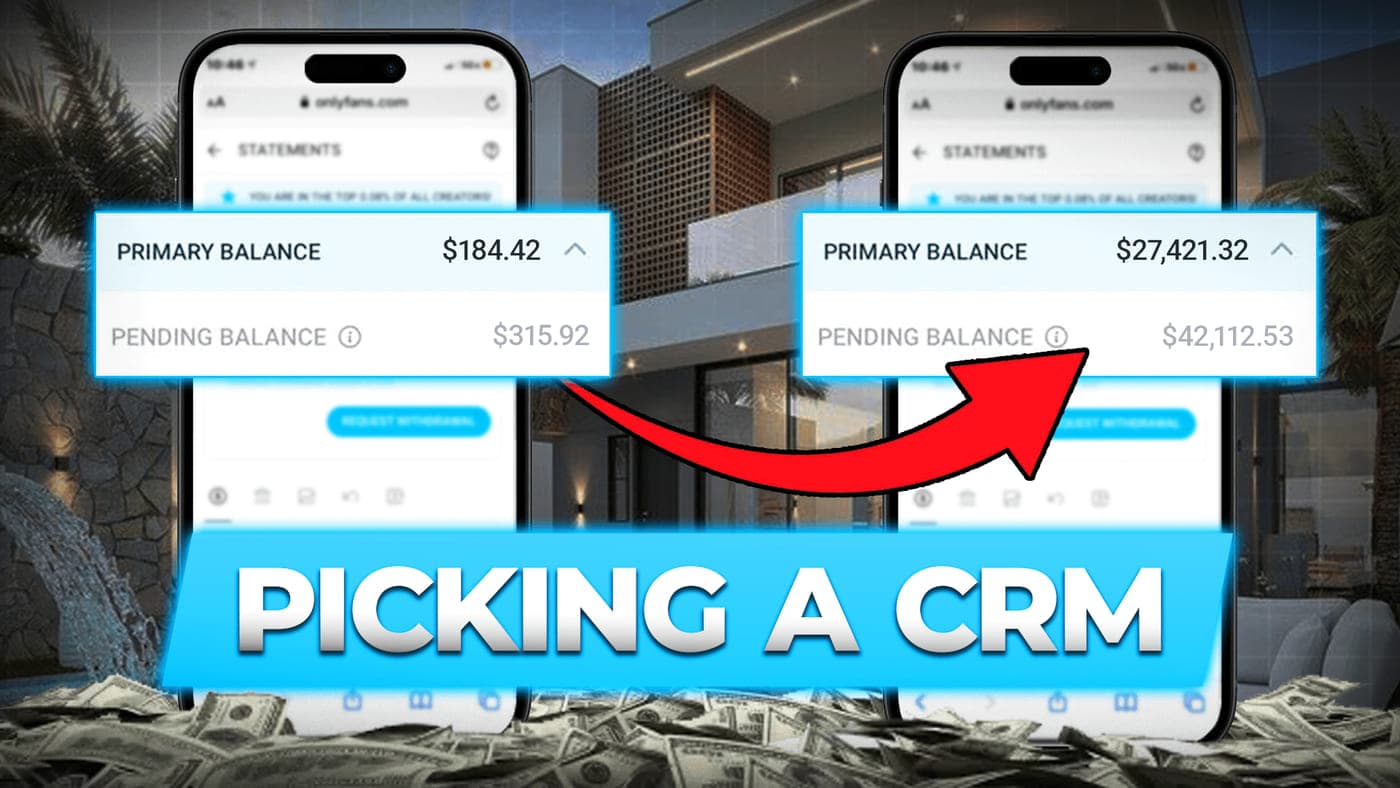
A recorded live session in which Tim, business developer at OnlyMonster, walks through what an OnlyFans CRM does and how to compare one against another. His starting point: about 80% of features are shared by the top three CRMs (he names Infloww, Creator Hero and OnlyMonster), so the choice comes down to the tools that move revenue, security, support and the team behind the product.
The session covers the features he considers essential: priority mass messages that land in the fan's priority folder instead of "All messages", time-range automated messages, message templates, list and exclusion targeting, several proxies to get around OnlyFans request limits, detailed tracking-link statistics per traffic campaign, and chatter permissions with restricted words that block attempts to move fans to PayPal or Telegram.
He also demonstrates OnlyMonster-specific tools (Buying Power fan scoring, Chargeback Alert, Fan Persona, AI reply generation and tone rewriting, renewing limited-slot promotions, shared links for traffic providers) while stating that AI does not replace chatters. The Q&A with Arthur covers ARPU benchmarks, uptime, translation quality, browser extensions versus standalone apps, and how to switch CRM without losing your team's setup.
Inside the masterclass
How to Pick a CRM That Actually Grows Your OF Revenue? (Ft: Tim)
58:56
A one-hour recorded call with Tim from OnlyMonster, hosted by Arthur. Tim explains what an OnlyFans CRM is, then demos priority mass messages, time-range automations, templates, proxies, analytics and tracking links, chatter permissions and restricted words. He shows OnlyMonster's Buying Power, Chargeback Alert, Fan Persona and AI rewriting tools, then answers live questions on ARPU benchmarks, uptime, translation, extensions versus apps and switching CRM. Audio quality is limited, as the lesson page notes.
Explain what an OnlyFans CRM adds on top of the native OnlyFans interface for agencies, chatters and managers
Use priority mass messages and time-range automated messages (welcome, online, morning or night campaigns) so automation reads naturally
Compare CRMs on the criteria Tim highlights: analytics depth, proxies, AI tools, permissions, restricted words, media upload, payment options, support and development speed
Read tracking-link statistics per traffic campaign (clicks, subscribers, spenders, profit, cost per click) to keep the campaigns that pay and cut the rest
Protect accounts with chatter permissions, media restrictions and a restricted-word list (for example PayPal or Telegram) that logs every blocked attempt
Use AI reply tools as a speed aid for chatters, with generated messages reviewed and rewritten before sending
Run free trials of two CRMs in parallel and plan a switch (note import, team training) if your current CRM no longer fits
Audience
Who it is for
OnlyFans agency owners and managers choosing a first CRM or questioning the one they use
Chatter managers who want to understand the tools that speed up chatting and protect accounts
Beginner to intermediate level: assumes you know what chatters, mass DMs and tracking links are
Tim is an OnlyFans CRM specialist and business developer at OnlyMonster.ai, a CRM for OnlyFans agencies, with years of experience working with OFM agencies. He describes how OnlyMonster grew from 15 to more than 60 team members and from 600 to over 1,200 agency clients in a year, and how agency feedback shapes the features the team builds. He also helps agencies onboard and start a free trial.
Telegram: @TimOMBizDev
Tim names the top three as Infloww, Creator Hero and OnlyMonster and says about 80% of their features are similar. Most of the demo runs on OnlyMonster, where he works, but he separates the features common to all three from the ones only OnlyMonster offers.
A mass message sent from OnlyFans itself lands in the fan's "All messages" folder, which fans rarely open. Priority mass messages, available in the top CRMs, put thousands of messages in the priority folder in one click, where fans actually read and buy, which Tim says raises conversion to conversations and sales.
No, according to Tim. The AI tools generate or rewrite replies from the conversation context and can build a fan profile, but generated messages can sound robotic and should be reviewed by a chatter. The gain is speed: a chatter can handle more fans in the same time.
Use the CRM's permissions to restrict access to bank and card details and media, and set up restricted words such as PayPal or Telegram. A blocked message is not sent and the attempt is logged with the chatter's name and time.
Tim and Arthur agree it is hard once a large team is set up, but possible: notes can be imported and teams trained in group calls. Tim recommends using free trials, testing two CRMs side by side and choosing for the long term.
In this call, we review all the latest updates on OnlyMonster: new AI features, tracking improvements, enhanced security, updated templates, automation tools, and a preview of upcoming developments.
1 lesson33 minSubtitles: English, French, German, Italian, PortugueseEN FR DE IT PT
Master the essentials of building a solid and compliant business foundation.
In this Tax & Legal Masterclass, you’ll learn everything about setting up the right company structure, understanding international taxation, and managing invoicing with clarity and efficiency.
1 lesson40 minSubtitles: English, French, German, Italian, PortugueseEN FR DE IT PT
Learn how to turn FTL into high-LTV fans through a structured approach: logic, systems, scripts, and SOPs. A must-watch masterclass for agency owners who want to scale smart.
1 lesson53 minSubtitles: English, French, German, Italian, Portuguese, SpanishEN FR DE IT PT ES
With Andrija
Ready to start this masterclass?
It is free. Create a member account with your email and watch every lesson at your own pace.