Social Medias · 6 min read
ALI Remote Review 2026: Pricing, Pros, Cons, Who It Is For
ALI Remote review: hosted iPhones for agencies, $79 to $49 per phone per month, features, real downsides and who should skip it. Checked Oct 2026.
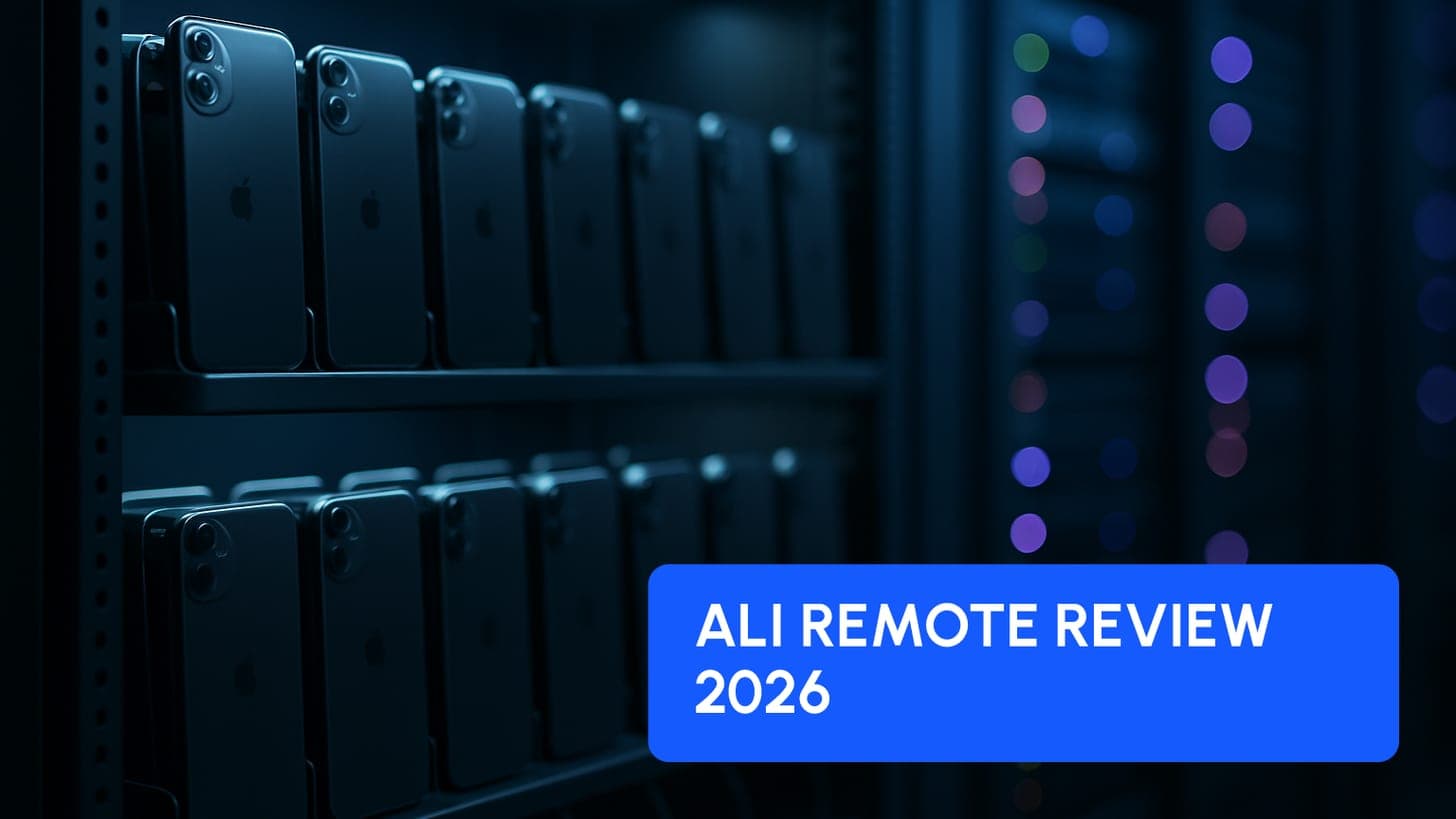
ALI Remote suits agencies that run many Instagram, TikTok or Threads accounts and want hosted iPhones they control from a browser. Published pricing runs from $79 down to $49 per iPhone per month depending on volume, billed monthly, with the tiers starting at 5 iPhones. The verdict: strong fit for 10+ phone operations, poor fit for a single creator.
Disclosure: ALI Remote is a Fanbase Accelerator (FBA) partner and shares commercial ties with FBA. FBA may earn a commission or receive a discount for members if you sign up through our links. This review lists the downsides too.
ALI Remote is a service that hosts real iPhones for you and lets you manage, automate and control them remotely from a dashboard, so an agency can run social media accounts at scale without keeping a shelf of phones in an office. You can read the short profile on our ALI Remote tool page.
What is ALI Remote and who is it built for?
The official site describes it as a way to "manage, automate and control your iPhone from anywhere, at any time." In practice that means an agency rents iPhones that are hosted and managed by ALI, or (on the second option shown on the pricing slider) uses its own hardware in its own office with ALI's software on top. Team members log into one dashboard instead of carrying devices around.
The typical customer is an OnlyFans agency, a creator management company or a traffic team. They post reels, stories and carousels on many accounts, because organic social traffic is one of the main ways to feed a creator page. If you are still building that traffic plan, start with our guide on how to get traffic for OnlyFans, then decide whether you need phone infrastructure at all.
How much does ALI Remote cost?
ALI Remote prices per iPhone, per month, and the rate drops as you add devices. The pricing section of the homepage shows the tiers below for the rented, ALI-hosted setup on the monthly billing view.
| Number of iPhones | Price per iPhone per month (monthly billing) | Example monthly total |
|---|---|---|
| 5 to 9 | $79 | 5 iPhones: $395 |
| 10 to 24 | $64 | 10 iPhones: $640 |
| 25 to 49 | $49 | 25 iPhones: $1,225 |
| 50 or more | Custom quote | On request |
Example totals are simple multiplication of the listed rates. Prices checked on 6 October 2026 on https://aliremote.com. They change, check before buying.
Three details matter before you budget:
- Connectivity is separate. The page lists "ALI Wi-Fi" as included at $0 (you can use your own custom proxy). Mobile data costs $11 per month plus a $10 setup fee per SIM, one SIM per iPhone. A mobile proxy costs $90 per month plus a $95 setup fee, and one proxy covers up to 20 iPhones.
- Yearly billing exists. The page has a Monthly and Yearly toggle labelled "20% off". The static page did not show the exact yearly rate per tier, so confirm it in the live calculator.
- In-house option. The "In-house" tab (your hardware, your office) does not show a public price in the content we could read. Treat it as pricing on request.
The homepage headline says "Get started from $49", but in the tier table $49 is the per-iPhone rate at 25 to 49 devices, not a starting bill. The smallest setup on the calculator is 5 iPhones, which is $395 per month at the listed rate.
What features does ALI Remote offer?
Only features listed on the official site are covered here.
- Remote control. Manage the iPhone farm from any device, with a dashboard for the team.
- Automations. The site lists one-click account setup, auto-posting on platforms and "tailored-made solutions".
- Scheduling. Run tasks automatically, build your own workflows, and set them up in two clicks according to the site.
- Multi-user access. Assign roles and permissions, with role-based access and real-time collaboration.
- Reporting. Detailed performance reports, team activity monitoring and a real-time analytics dashboard.
The homepage also offers a 30-minute call to decide between mobile data versus proxy, and renting versus in-house. For an agency, that call is worth taking before you commit to a tier, because the connectivity choice changes the monthly bill.
What are the pros of ALI Remote?
- Volume pricing is public. You can calculate a 10-phone or 25-phone bill yourself, which is rare for infrastructure tools.
- One dashboard for the team. Roles and permissions mean a social media manager can work on assigned phones without you handing out physical devices.
- No hardware to buy or store. On the rented setup, ALI hosts and manages the phones, so there is no office shelf, charging or Wi-Fi to look after.
- Scales up and down by tier. The per-iPhone rate falls at 10 and 25 devices, which rewards agencies that consolidate their operation.
- Monthly billing is available. You are not forced into a yearly commitment to start, according to the pricing toggle.
What are the cons and limits of ALI Remote?
- Monthly cost per device versus owning phones. Renting is an operating cost that never ends. Ten iPhones at the $64 tier cost $640 per month, or $7,680 over 12 months, before any SIM or proxy fees. Owning devices means a larger upfront purchase plus your own space, power, Wi-Fi and maintenance, so run both numbers for your own situation. Renting makes sense mostly when you value flexibility and zero hardware work over the lowest long-run cost.
- Platform account risk still exists. No tool makes accounts ban-proof, and ALI does not change Instagram, TikTok or Threads rules. Content quality, posting behavior and platform policy still decide whether an account survives. Read the Instagram 2025 ban wave article to see how fragile adult-adjacent accounts can be, and never plan revenue around one account.
- Dependency on a provider. Your phones, logins and workflows live on someone else's infrastructure. If the service has an outage, changes its pricing or ends your plan, your posting stops. Keep your content library, account credentials and posting SOPs outside the tool so you can move.
- Minimum scale. The published tiers start at 5 iPhones. A single creator posting on two or three accounts will not get value from a dashboard built for fleets.
- Extra costs for better connectivity. SIMs and mobile proxies are charged on top, and setup fees apply per SIM or proxy.
- It does not create content or traffic strategy. Automation moves posts out faster, but weak reels still get weak reach.
The homepage carries customer testimonials, including statements about accounts lasting longer. Treat those as marketing from the provider's own page, not as independent results.
Who should use ALI Remote, and who should skip it?
Good fit:
- Agencies running roughly 10 or more social accounts across several creators.
- Teams with remote social media managers who need role-based access to shared devices.
- Operators who want to test scale quickly without buying hardware first.
Probably skip it if:
- You manage one or two creators and post by hand from a personal phone.
- Your budget cannot carry a fixed $395 or more per month for 5 phones while traffic is still unproven.
- You expect the tool to guarantee account survival. It cannot.
What are the alternatives to ALI Remote?
- Owning and self-hosting iPhones. Lowest long-run cost at scale, highest effort. Suits technical teams with space and spare time.
- Cloud phone or emulator services. Verify what each provider actually runs (real iPhones or emulated devices), what it costs and how it handles account access.
- Manual posting with a small set of real phones. Fine for early stage, with no monthly infrastructure bill and a hard ceiling on volume.
- Paid ads instead of organic. Different economics entirely. Our Scale an OnlyFans Creator with Meta Ads course covers paid traffic as another way to feed a creator page.
How do you get started with ALI Remote?
- Decide your volume. Count the accounts you need and how many posts per day each will carry.
- Open the pricing calculator on the official site, move the slider and compare rent versus in-house.
- Choose connectivity: ALI Wi-Fi, SIM or mobile proxy. Use the 30-minute call the site offers if you are unsure.
- Start on the smallest tier that matches your real volume, on monthly billing, and review after one month.
- Write your posting SOPs and roles before adding the team, and turn on role-based access.
- Tie the traffic to a conversion path. Arthur's masterclass on optimizing conversions from Instagram to OnlyFans and The Market Scaling Strategies show how to turn views into subscribers.
Our verdict: ALI Remote is a sensible infrastructure choice for agencies that already know their content works and need to multiply it. It is not a shortcut to traffic. Compare the monthly cost with your expected revenue per account before signing up.
Sources
- ALI Remote official website (homepage, features and pricing section), ALI Remote, checked 6 Oct 2026